
To create an account in cybros labs Customer Portal, you have two options:
-
Register and create a new organization.
-
Accept an invitation and join an existing organization.
To join an existing organization, you must be invited by its admin. For details, see Invite Users in Users.
Register and Create an Organization
-
Click Sign In/Register.
-
Click Register.
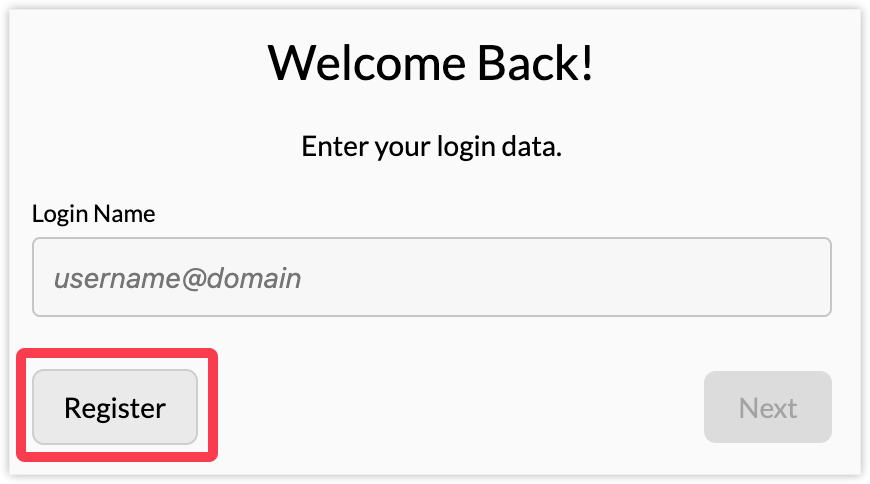
-
Fill in your name, email address, and password. Click Next.
Your will receive an email with a validation code. -
Enter the validation code from the email and click Next.
You user account is now validated. -
Click Next.
-
(Optional) Set up a two-factor verification or click Skip.
-
Enter a name for your organization and click Save.
The name must be at least 5 characters long.
If you are joining via invitation, step 8 does not apply to you.
You are now ready to manage your organization and licenses, invite users, create configurations, and pair devices with your organization, depending on your assigned user role. For details see User Roles in Users.
Accept Invitation to an Organization
If you are invited to join an organization, you receive an email with an invitation link.
Click the link and register to Customer Portal. For details, see steps 1-7 above.
A user can belong to one organization only.