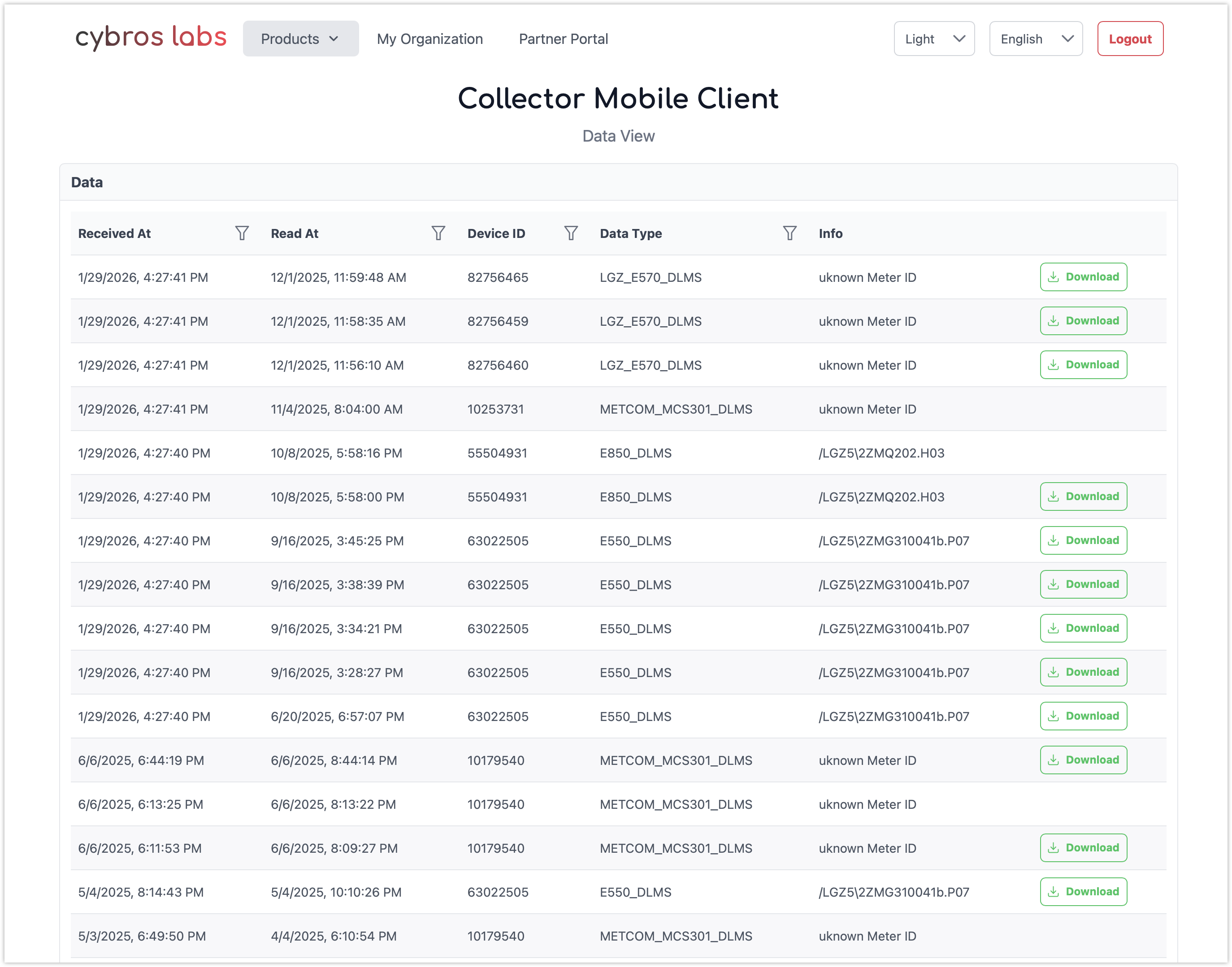
Data that are collected through Collector Mobile Client is accessible directly in Customer Portal.
To access device readings, follow these steps:
-
Log in to Customer Portal.
-
Go to Products → Collector Mobile Client → View Data.
-
Click Download in the row of the corresponding device and save the file.
Only users with data viewer role can download data from Customer Portal. For details, see User Roles in Users.